
Stock management
Clear stock records for logs and timber for small and medium-sized wood industry companies
How it works
Data collection in the field
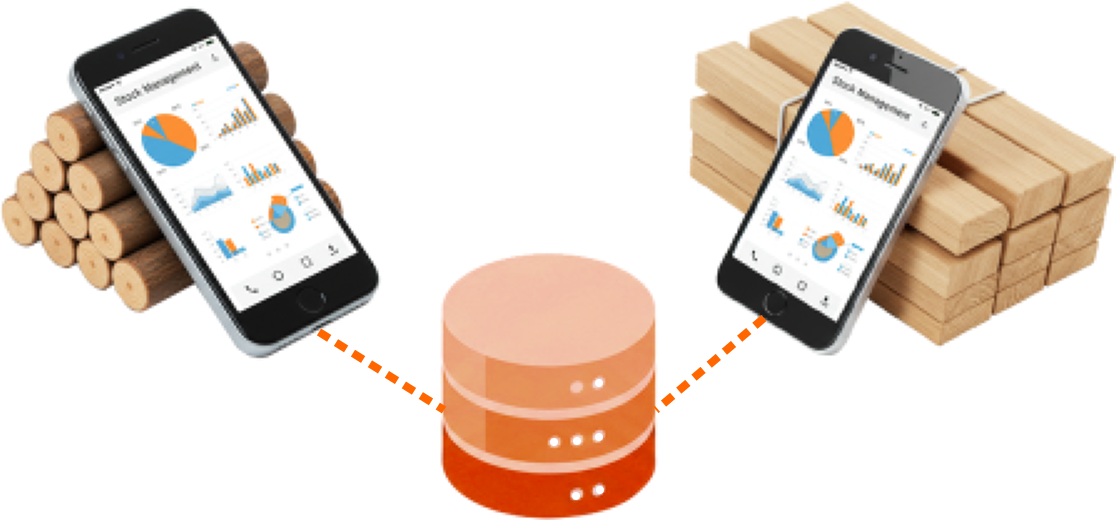
Mobile recording of logs and timber directly in the timber yard. Our application allows full-featured work in the field even without an internet connection. After returning online, all data is automatically sent to the system for further processing.
→ Complete information about the mobile application ←
Editing and processing of stock record data
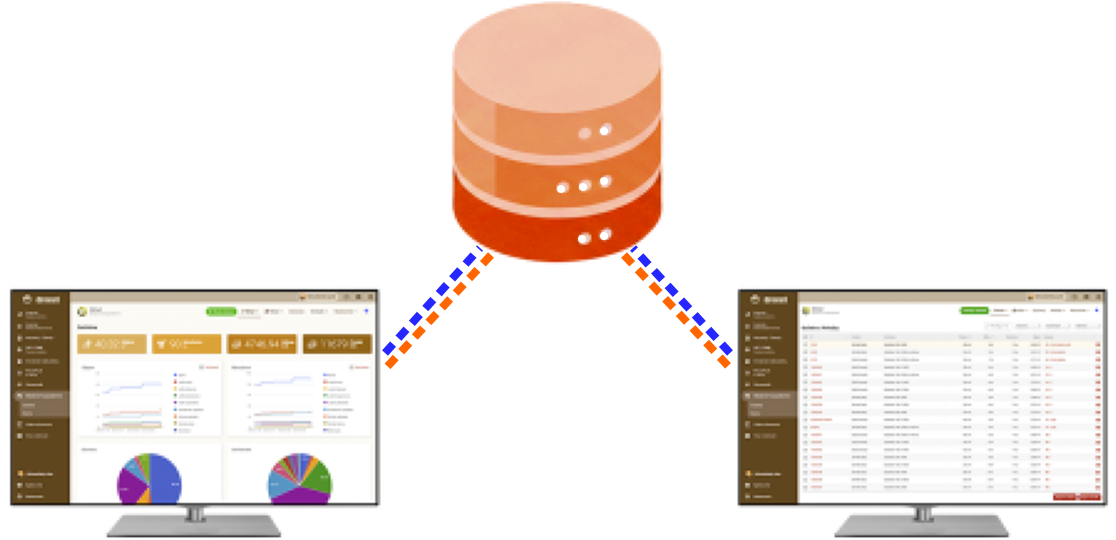
Recorded data can be easily edited – updated or deleted according to the user’s needs. The data can be printed or sent by email using pre-prepared forms such as invoices or delivery notes. All data is available online, so the user can access it from anywhere and from multiple computers at the same time – they only need to log in to the system.
Sending recorded data to stock management software
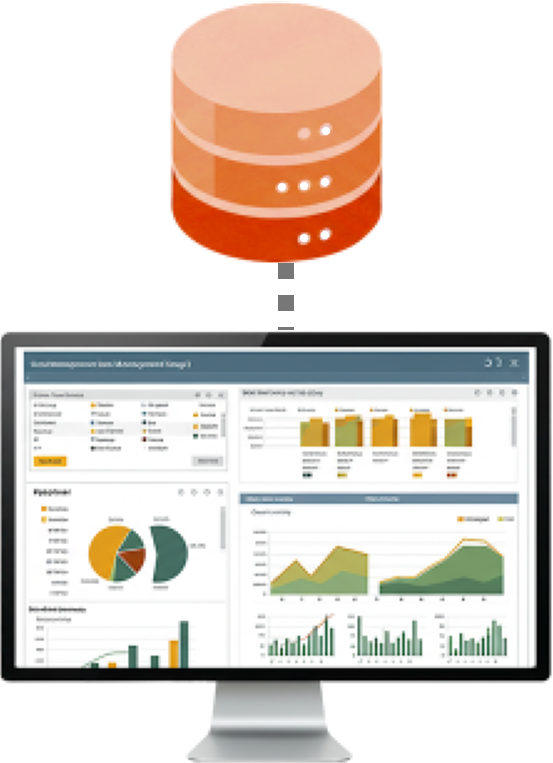
The user can transfer edited stock records to their stock management or accounting software with one click, without manually re-entering data or exporting and transferring files.
→ Syncing data to company's accounting agenda ←
Top Features
Transfer data from forest thinning or your timber yard via mobile directly into your stock and accounting system.
More informationProfessional recorder into the field for recording logs and timber
More informationPre-prepared forms allow you to create commonly used documents with one click.
More informationOption to print and export data for further processing
More informationFast and easy import of a larger number of items at once
More informationSummary overviews of stock data in one place
More informationLog scaling in 21 rules
More information Online availability
Simple and intuitive user interface for everyone
More informationSelection of data to be recorded and subsequently transferred.
More informationCustom categories according to the quality, parameters and prices of the goods.
More informationLists of suppliers and customers with data for use in records
More informationTallies
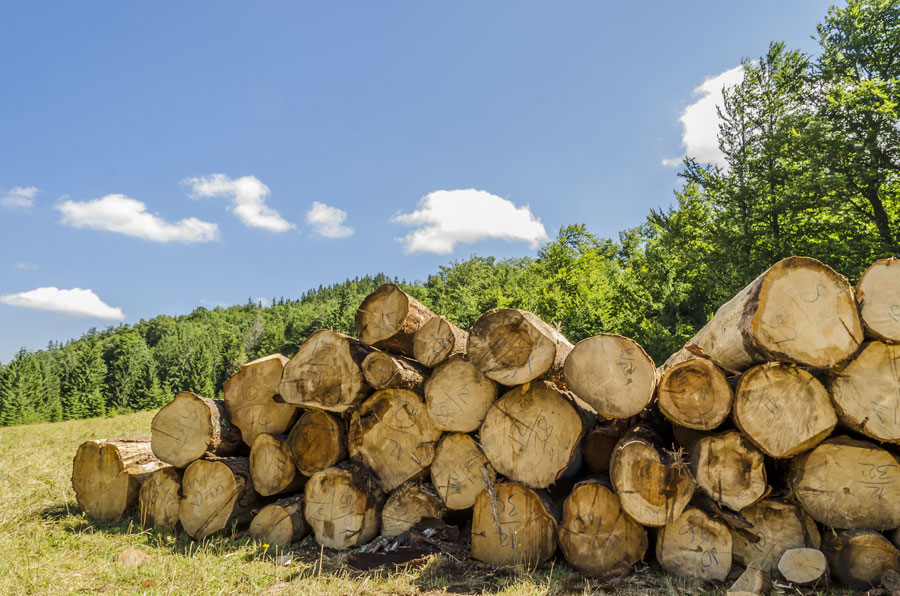
Record consists of a header and log or timber items. The header specifies the main information, such as the name, date, sale/purchase, name of the worker or business partner. Items consist of data sets for individual or multiple pieces of logs (diameter, length, wood species) or timber (length, width, thickness, wood species, quantity).
The user can choose the data (apart from the mandatory ones) that are needed for their work. Creating a record and entering data will then be simple, fast and tailored to their requirements.
How it works
- Log in to the TIMBERPOLIS system and set the basic details (volume calculation, currency, VAT).
- Select preferred wood species, enter assortments with prices, and define the data you want to record.
- Download the mobile application and log in with the same details as on TIMBERPOLIS. Settings and data (wood species, partners, assortment, prices) are automatically transferred to the application.
- Create log or timber records in the mobile recorder or directly in the stock management system.
- Edit records as needed and generate documents if required.
- If the user has their own stock software connected, the record is transferred there as well.
Preview
User interface
Mobile application - Recorder
Professional recorder into the field for recording logs and timber

Log recordsRecording individual logs, stocktaking and the location of the timber yard
Timber recordsManagement of timber packs and stock inventory
2 recording modesSale / Purchase
Tally report / PricePrinting of tallies to prearranged documents and forms
Data & settings of talliesSelection of data to be recorded and subsequently transferred.
Assortment / GradesCustom categories according to the quality, parameters and prices of the goods.
Wood calculatorsWood calculators and converters at your fingertips anywhere and anytime, even without the Internet!
Mobile app installation
Download the Tally Recorder mobile application and get a useful assistant for recording logs in the forest or timber at the sawmill.

Licence & Subscription
- A registered user can choose from different subscription levels depending on how many mobile devices they want to use and how many records they need.
Log Scaling
Huber, ČSN 48 0009, STN 48 0009, Sweden, GOST 2708-75, Scribner, Doyle, International 1/4, Smalian (USFS), Newton, Brereton (PNG), Vermont, Universal (Daniels), Ontario Board Foot, Ontario Cubic, Roy, Alberta, BC Firmwood, Hoppus, JAS, Mid-girth, Guo Biao
Pre-prepared forms
Our system offers fast and direct generation of pre-prepared forms such as invoices, delivery notes and other commonly used documents. All data, including billing details of customers and suppliers, is automatically filled into the forms from the system. The user can also create and edit their own forms according to the needs of their business.
Printing and sharing
Recorded data can be easily edited, turned into clear documents, and then printed or sent by email. Selected data is also available in XLSX format, allowing further processing, analysis, or archiving in external systems.
Bulk data entry
The system allows bulk data entry by importing items from Excel spreadsheets, significantly speeding up data entry and reducing the time and administrative effort required.
Reports and summaries
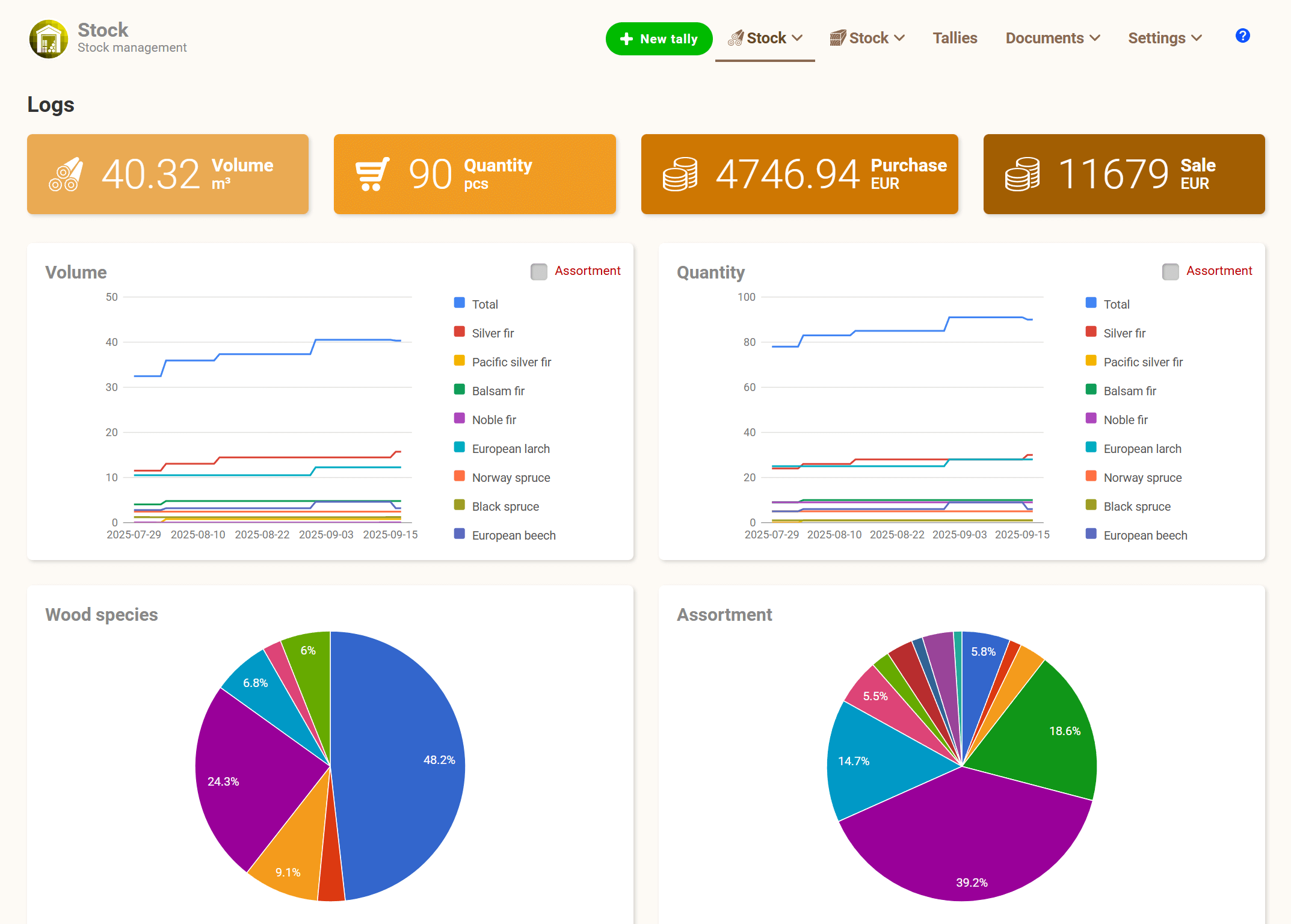
The system provides clear stock reports and summary overviews, giving the user an up-to-date view of stock levels, material movements and recorded volumes at all times.
Online availability
All data is securely stored and regularly backed up in our database. You have online access to your stock data at any time and from anywhere – from multiple devices at once. You only need to log in to the system, with no need to install any software.
Clear interface
An intuitive user interface designed with emphasis on simplicity and quick orientation, even for less technically skilled users.
Data & settings of tallies
The user can choose the data (apart from the mandatory ones) that are needed for their work. Creating a record and entering data will then be simple, fast and tailored to their requirements.
Assortment / Grades
The user can create and manage different assortment classes for timber and logs.
Each class can be customised and may contain the following data:
- Custom label
- Description
- Purchase price
- Selling price
- Tax / VAT %
- Discount %
Trade partners
A database of companies the user works with, including details such as address, VAT number, telephone number, email address, etc. When a partner is assigned to a record, this contact information is automatically filled in in the form and document fields.