
Cutting plans
Tool for optimizing cutting plans
How to?
The system enables the preparation of a complete order from the initial design to the final output. It includes precise calculation of material consumption and automatic calculation of the final price, including labour and transport. The finished order can be easily exported as a bill of materials or a delivery note.
- Open Cutting plans and in the Settings / Preferences section set the default values.
- In the Materials section, enter the sheet materials and furniture edging that will be used in the optimisation and specify the quantity you have in stock.
- Create a new job and enter its basic details.
- Prepare a list of products that the job will contain and assign materials to them.
- For each product, enter the parts you need to cut out (their dimensions, quantity, edging, etc.). The system supports bulk import via XLSX or CSV files, which significantly speeds up work on larger jobs.
- In the Optimisation settings section, define the kerf width, the direction of the first cut, and select which stock items of the given material should be used.
- Based on these data, the system will prepare clear graphical cutting plans, a bill of materials with an accurate calculation of material and edging tape consumption, as well as labels for parts and offcuts.
- Cutting plans, delivery notes and price lists can be printed or exported to PDF.
Generation of cutting plans
Key Benefits
Precise settings for cutting, grain direction, edge types and professional algorithms for maximum material utilisation
More information Online version
An invaluable advantage over other optimisation systems – no installation, access from anywhere
More informationComprehensive records of sheet materials, edge banding, catalogue numbers, decors and prices
More informationComprehensive records of jobs, quotations, calculations and invoicing
More informationAccurate calculation of the material consumption area and the length of edge banding for each job
More informationImport parts via Google Sheets or CSV – a simple way to enter data in bulk
More informationExport cutting plans for printing or in PDF format
More informationPrepare and print labels for parts, material offcuts and stock items for quick identification.
More informationSimplicity and clarity of data entry for every user
More informationInventory of sheet materials and edge banding
Keep sheet material stock, edge banding, remnant sheets and reusable offcuts after cutting under control. The system automatically records material consumption, provides an overview of stock items and enables offcuts to be reused in further cutting plan optimisation.
When creating a new cutting plan, you can specify whether stock items, full sheets or available offcuts should be used as a priority. This helps reduce waste, make better use of material in stock and improve the accuracy of material consumption and cost calculations. The system also monitors critical stock levels of sheet materials and edge banding and alerts you when the current stock level falls below the set threshold.
- Inventory of sheet material and edge banding stock
- Automatic management of remnant sheets and offcuts
- Reuse of offcuts in future jobs
- Monitoring of critical stock levels of materials and edge banding
- Overview of reservations and current stock status
- Less waste and more efficient use of material
Sample cutting plans
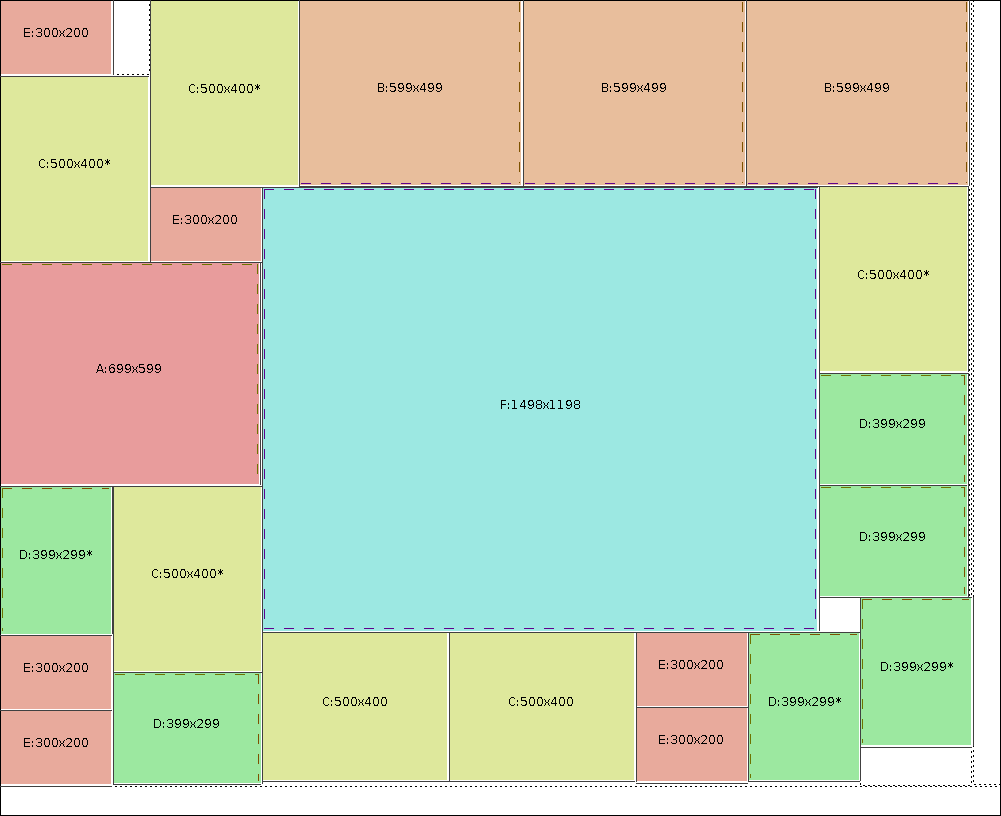
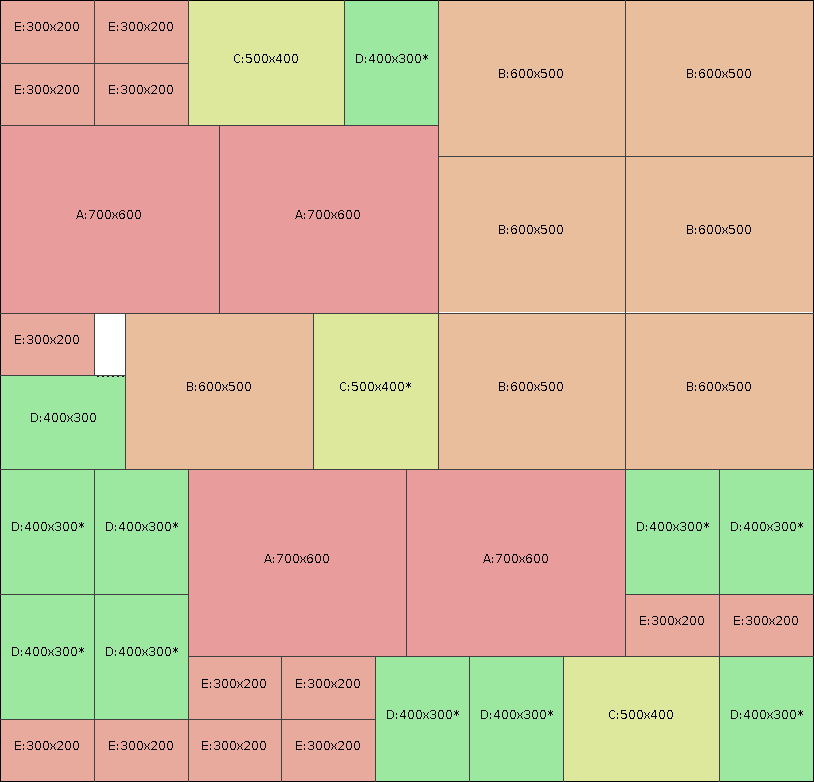
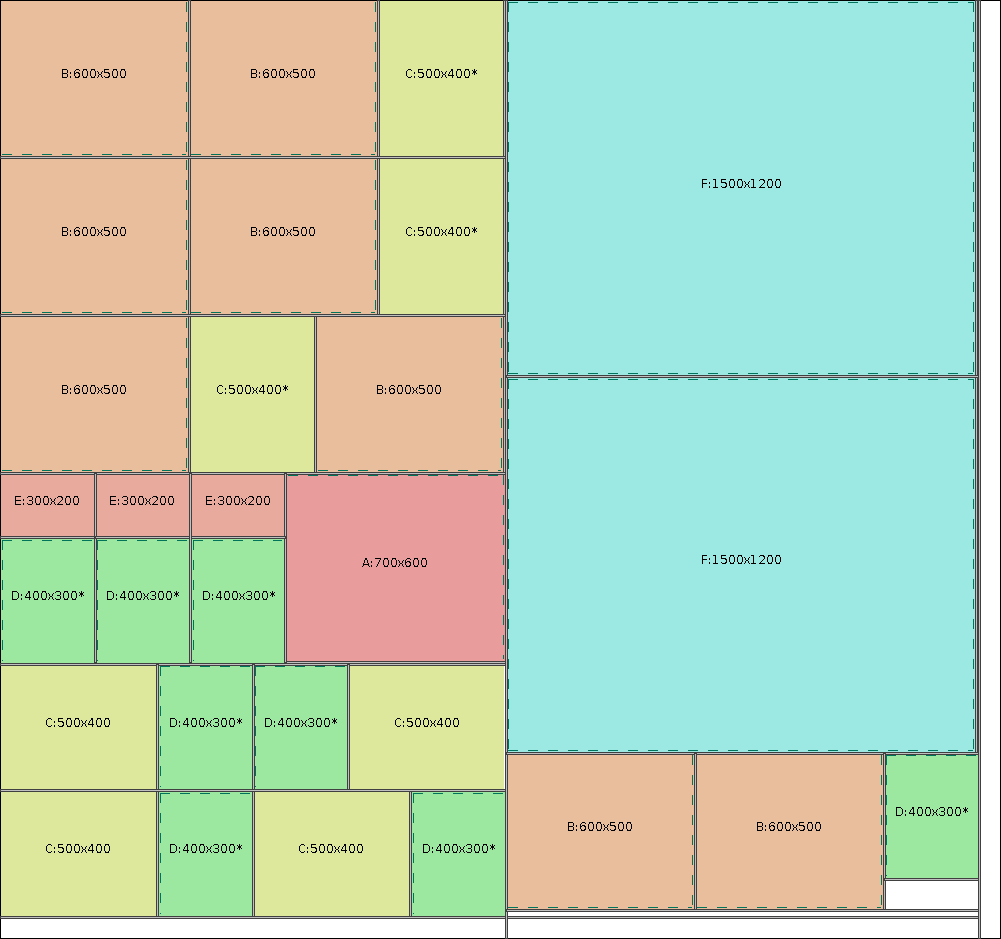
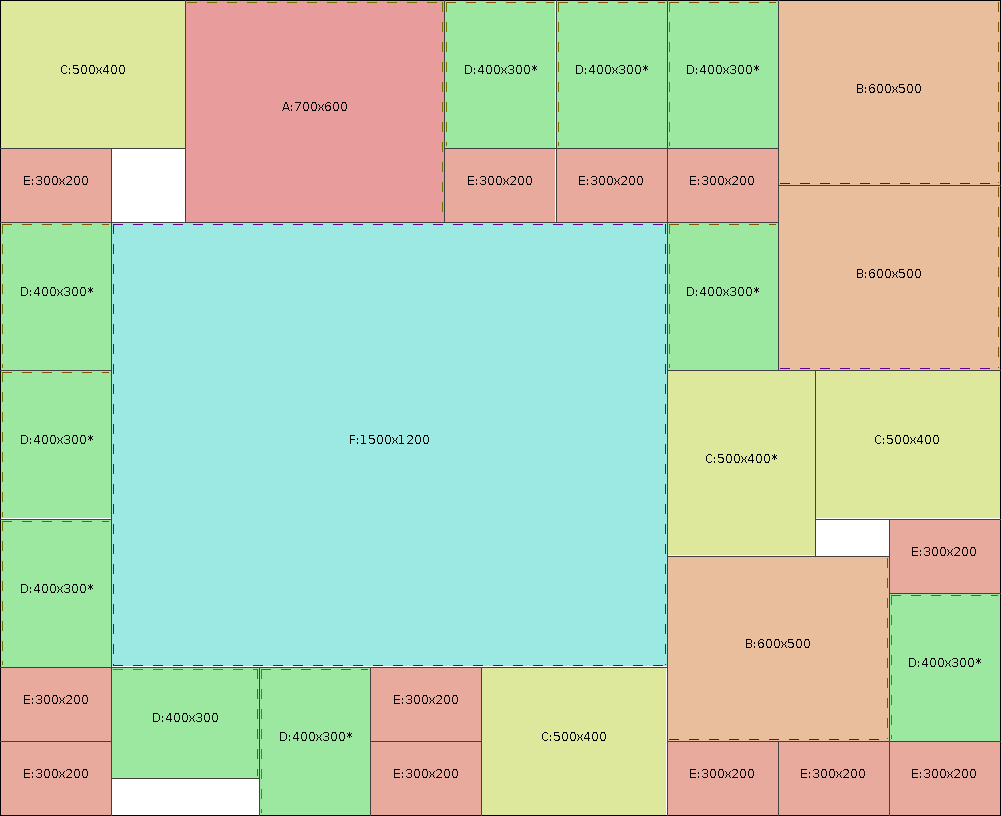
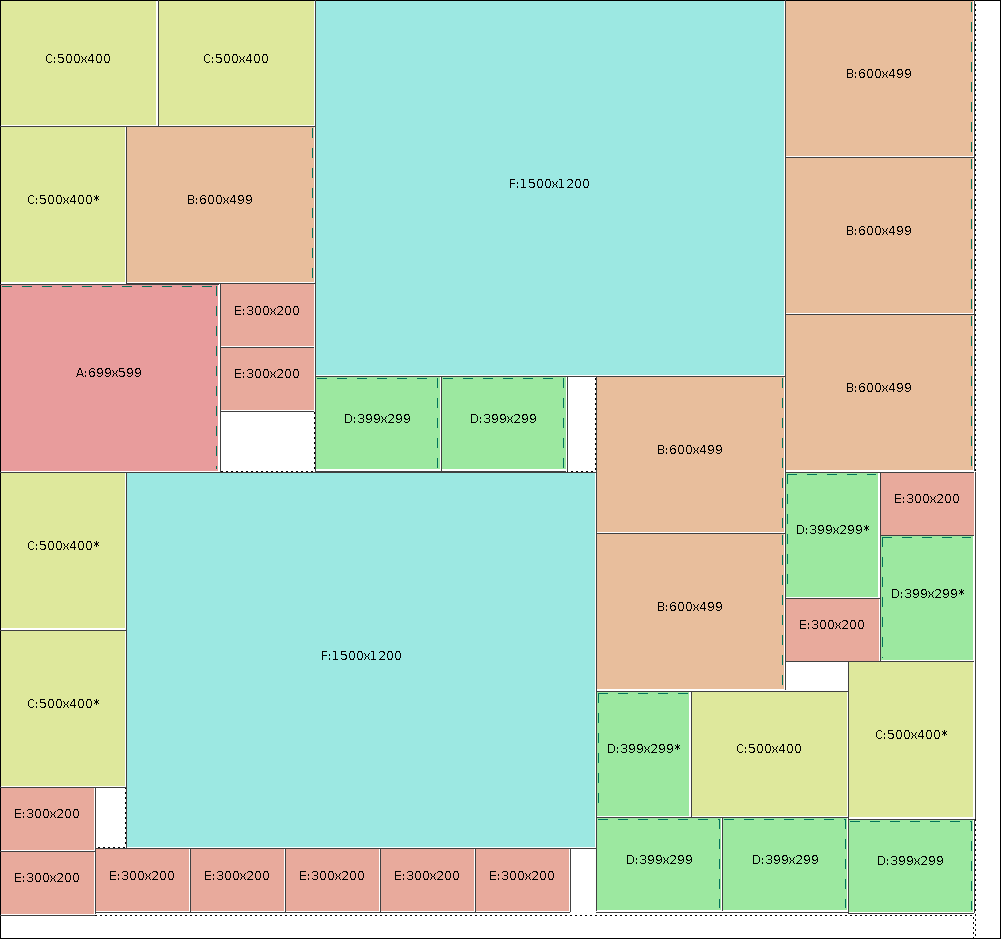
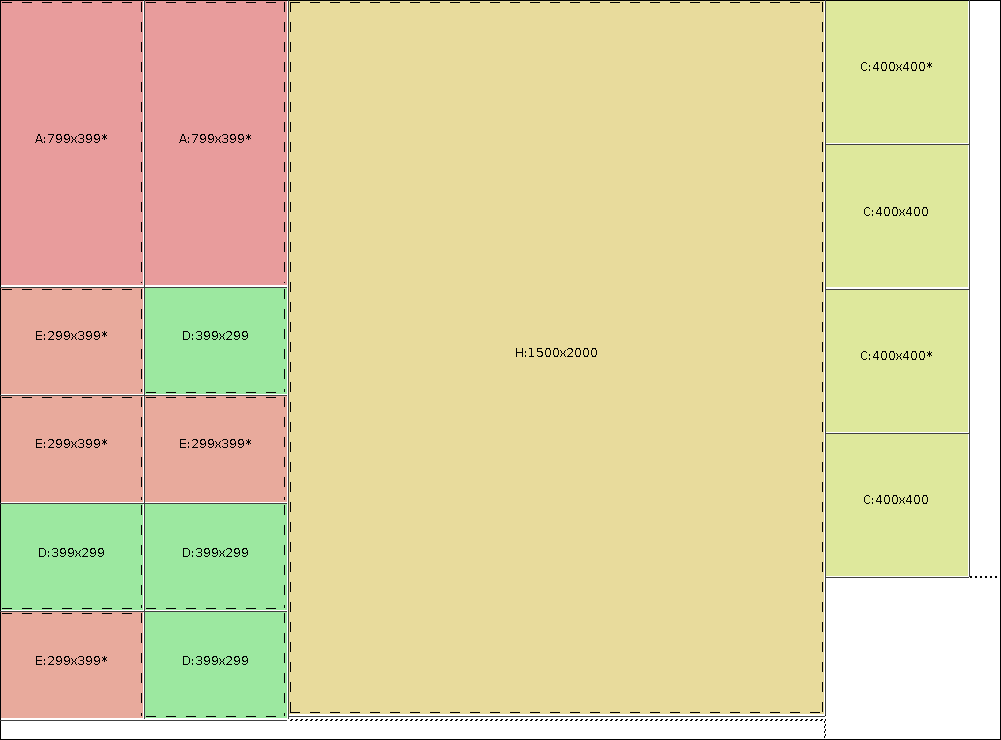
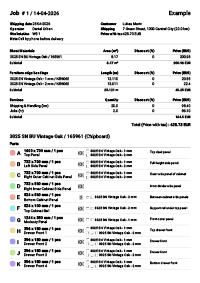 Sample export of plans
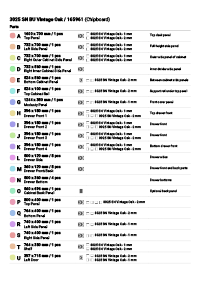 Parts list
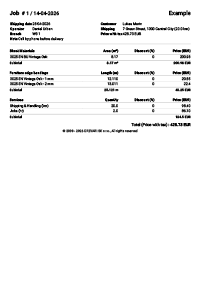 Price list
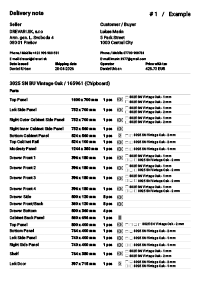 Delivery note
 Offcut labels
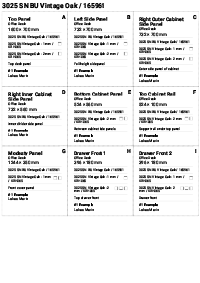 Part labels
Partnership
Online ordering system for cutting and edge banding parts
We offer the possibility of creating an online ordering system for joinery workshops and suppliers of sheet materials, enabling your customers to place orders for furniture parts easily, which will then be optimised for efficient and economical cutting.
Subscription
- A registered user can choose from different subscription levels depending on how many cutting plans they need.
Online version
An online solution means absolute freedom – no installation, no technical issues with operating system compatibility. Just sign in via a web browser and you can start optimising. Your data are always available, securely backed up and synchronised. Ideal for companies with multiple branches or workers who need access to the same projects.
Materials database
The complete database of sheet materials includes catalogue numbers, dimensions, decors, purchase prices and selling prices. Records of edge banding include dimensions, colours and prices. The system allows you to set a critical quantity for automatic low-stock alerts. All data are instantly available when creating cutting plans and price calculations.
Consumption calculation
Automatic calculation of the material consumption area of sheet materials and the total length of edge banding for each job. The system displays the exact number of boards required, the material utilisation percentage and the total value of waste. These data are essential for accurate calculations and loss minimisation.
Bulk import of parts
Importing parts from CSV files or from Google Sheet or CSV significantly speeds up work on larger jobs. Simply prepare a table with the part dimensions in the required format and the system will automatically load all the data.
Business agenda
Job records include the creation of quotations, calculations and invoices. The system automatically calculates the costs of material, labour and other items. All documents can be exported for printing or in PDF format. The complete job history allows easy control and analysis of business activities.
Export and printing
Graphical cutting plans can be printed directly from the browser or exported to PDF format for archiving or sending to the customer. The export includes clear cutting layouts with dimensions, a parts list, material consumption and other useful information for production.
Labels
After creating the cutting plans, the system prepares labels for cut parts, offcuts of sheet materials and stock items. The labels can be printed and used for quick and unambiguous identification.
Professional settings and optimisation
The system allows detailed settings of all cutting parameters – kerf width, material grain direction (longitudinal, transverse or any), edge types for each side of the part, and automatic deduction of the edge banding thickness from the part dimensions. The precise settings are linked to advanced optimisation algorithms for maximum material utilisation.
Easy-to-use interface
The intuitive interface allows quick entry of parts, setting of parameters and starting the optimisation. Clear display of results with graphical layouts, consumption tables and export options. The system is designed for easy use even without technical knowledge.